Skip to Content

Tool Builder

Your operators' everyday tools — machine documents, videos, recipes and alarms — inside your HMI.

Go to the app


Application details

PDF reader


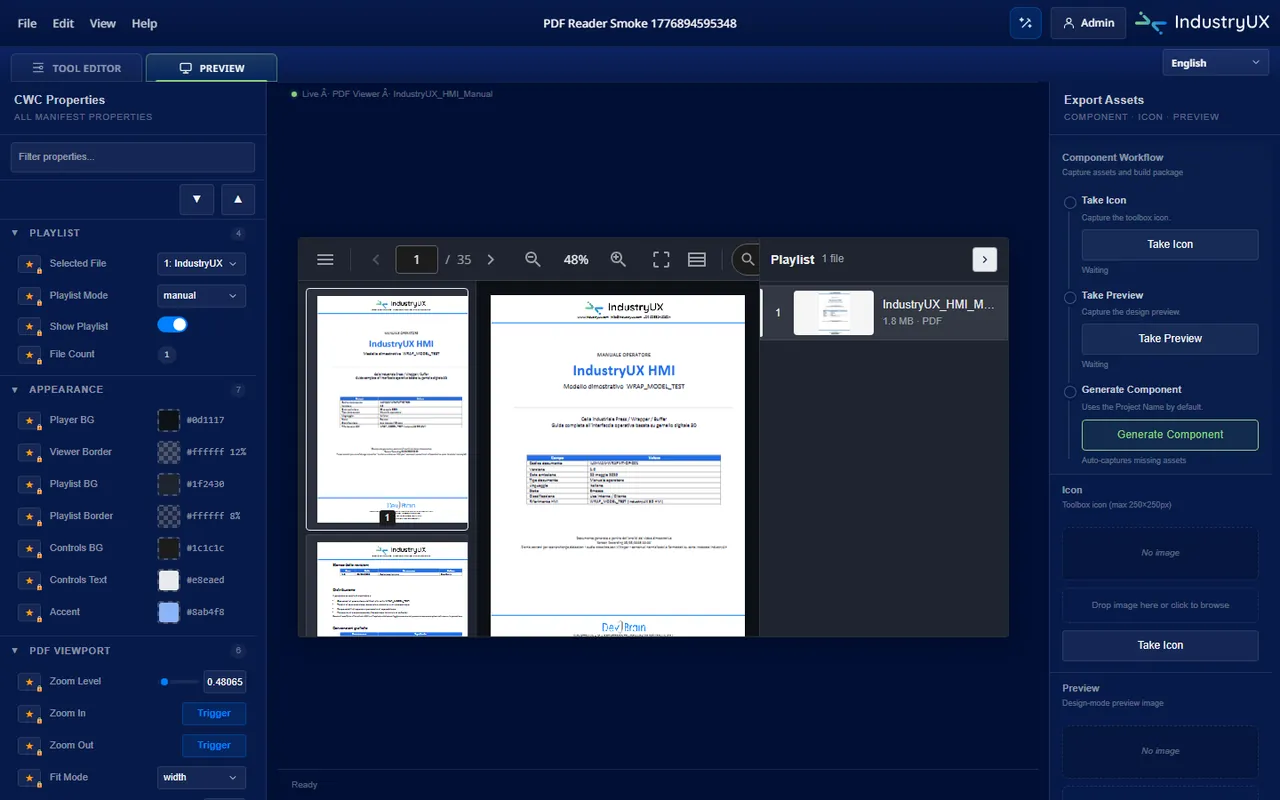
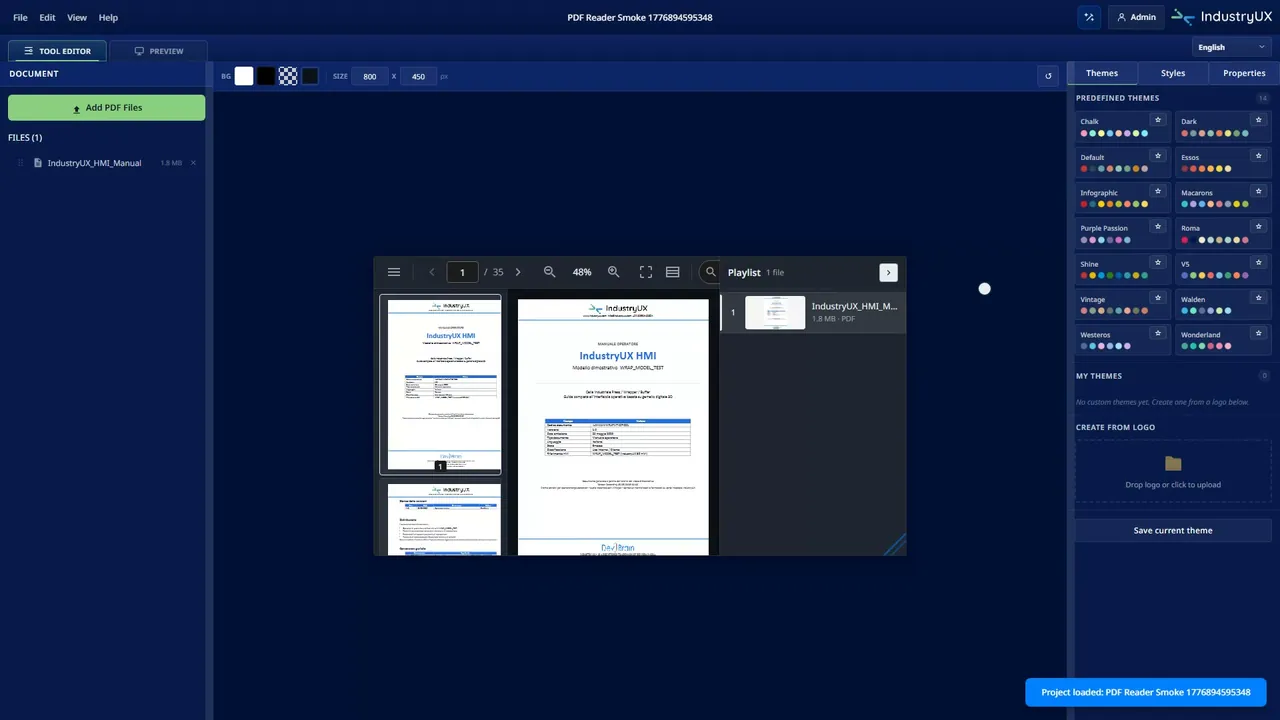
Machine manuals, wiring diagrams, work instructions — open right on the page the operator is already using. No USB sticks, no walking to the office.

Media reader


Photos and videos where they actually help: setup procedures, maintenance steps, format changes. The operator watches them next to the machine.

Recipe management


The recipes of your process, organized and ready to recall. The operator loads the right one — no retyping values by hand, no guesswork.

Alarm management


Search alarms by text, code or area; filter by severity or time window. And together with 3D Builder, one click takes the operator from the alarm to the exact component on the machine.
In three steps

CHOOSE

Pick the tool your operators need.

PDF reader for machine documents, media reader for photos and videos, recipe management, alarm management. Four tools, one place: your HMI.

CHOOSE

CONFIGURE

Set it up on your plant.

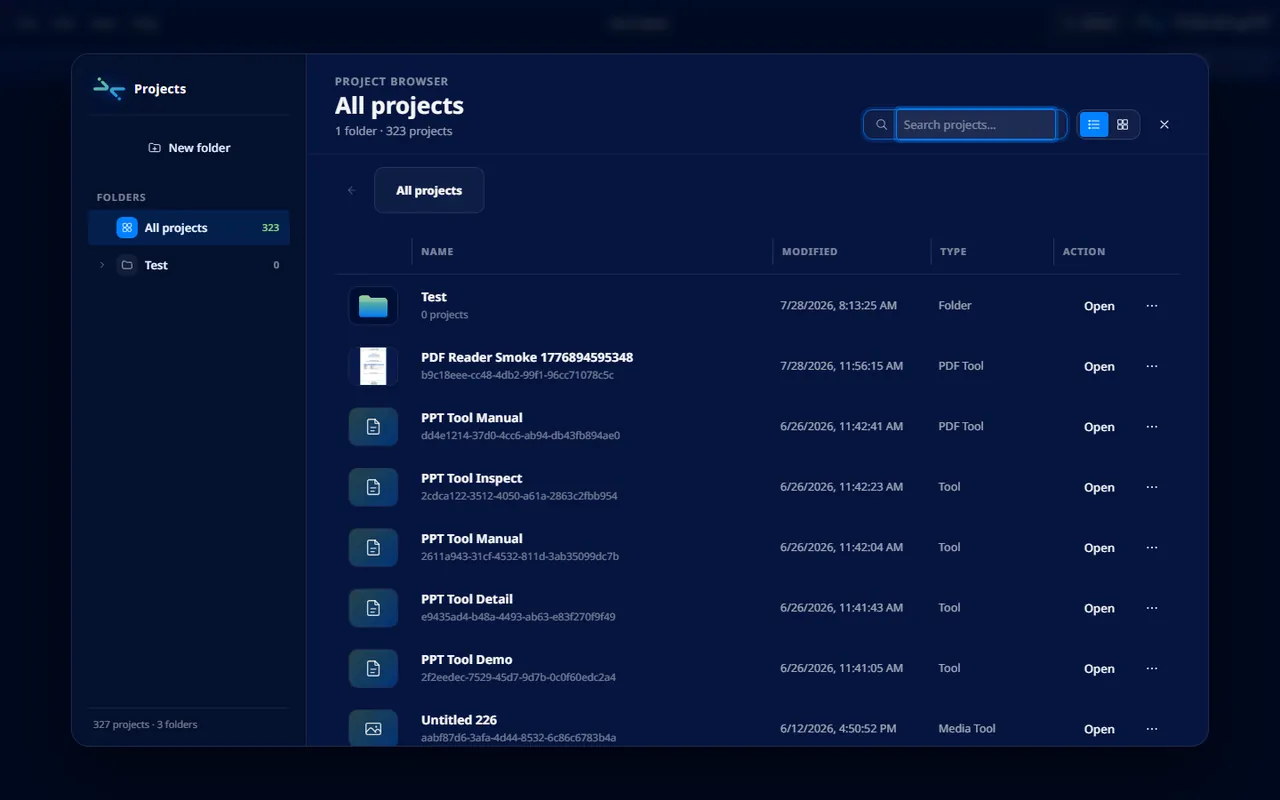
Your documents, your recipes, your alarm list — all set up in the browser, in your workspace. No code to write.

CONFIGURE

EXPORT

Bring it into your HMI.

You export a ready-to-use component and import it into your HMI or SCADA project — whatever platform you run.

EXPORT

Compatibility

Siemens WinCC Unified (TIA Portal)WinCC V8.1 and laterFT OptixAVEVA InTouchIgnitionWeb apps for Linux and Windows

Give your operators the right tools.

Go to the app

Frequently asked questions

Tool Builder builds the everyday tools of your operators: a PDF reader for machine documents, a media reader for photos and videos, recipe management, and alarm management. Each tool is exported as a ready-to-use component for your HMI.

For anyone who wants to give operators simple tools inside the HMI, without sending them anywhere else: manuals, instructions, recipes and alarms in the same place they already work.

You export the configured tool as a ready-to-use component and import it into your HMI or SCADA project: Siemens WinCC Unified (TIA Portal), WinCC V8.1 and later, FT Optix, AVEVA InTouch, Ignition, or a web application for Linux and Windows. DevIBrain is an official ASEM partner (FT Optix) and is completing the official Siemens certification.

Tool Builder is part of the company plans, from Business up, which include all applications in full. Details and prices are always as per the price list.

No. You choose the tool, configure it on your plant and export it: three steps, all visual, all in the browser.

Yes. Configuration happens online, in your workspace on the platform. You install nothing on your PC — only the exported component, in your HMI environment.

In the marketplace you'll find ready-made components — like recipe and alarm managers — that you download with the Tokens in your wallet, if you don't want to start from scratch.

We build it for you: custom components are one of our services. Tell us what you need through the contact form — and if the platform already covers it, we'll tell you.